When you have completed the application and are ready to submit it, you must electronically sign the application and enter the CAPTCHA code. To sign and submit your application, do the following:
| Step | Action |
| 1 |
Read the Sign and Submit page. |
| 2 |
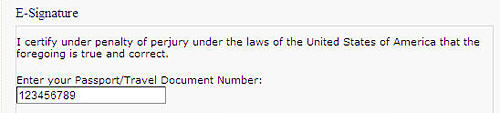
At the bottom of the page, enter your passport number.
|
| 3 |
Enter the code displayed in the graphic. If you would like to hear the code, click the speaker button.
|
| 4 |
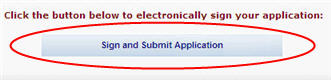
Click the Sign and Submit Application button.
|
| 5 |
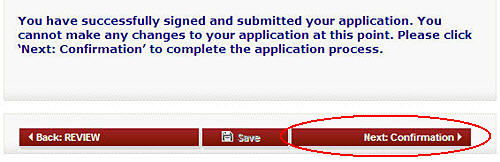
The system will confirm that your application has been submitted.
|
| 6 |
Click the Confirmation button to do the following:
|